How to label training examples for a one-off imagery classifier
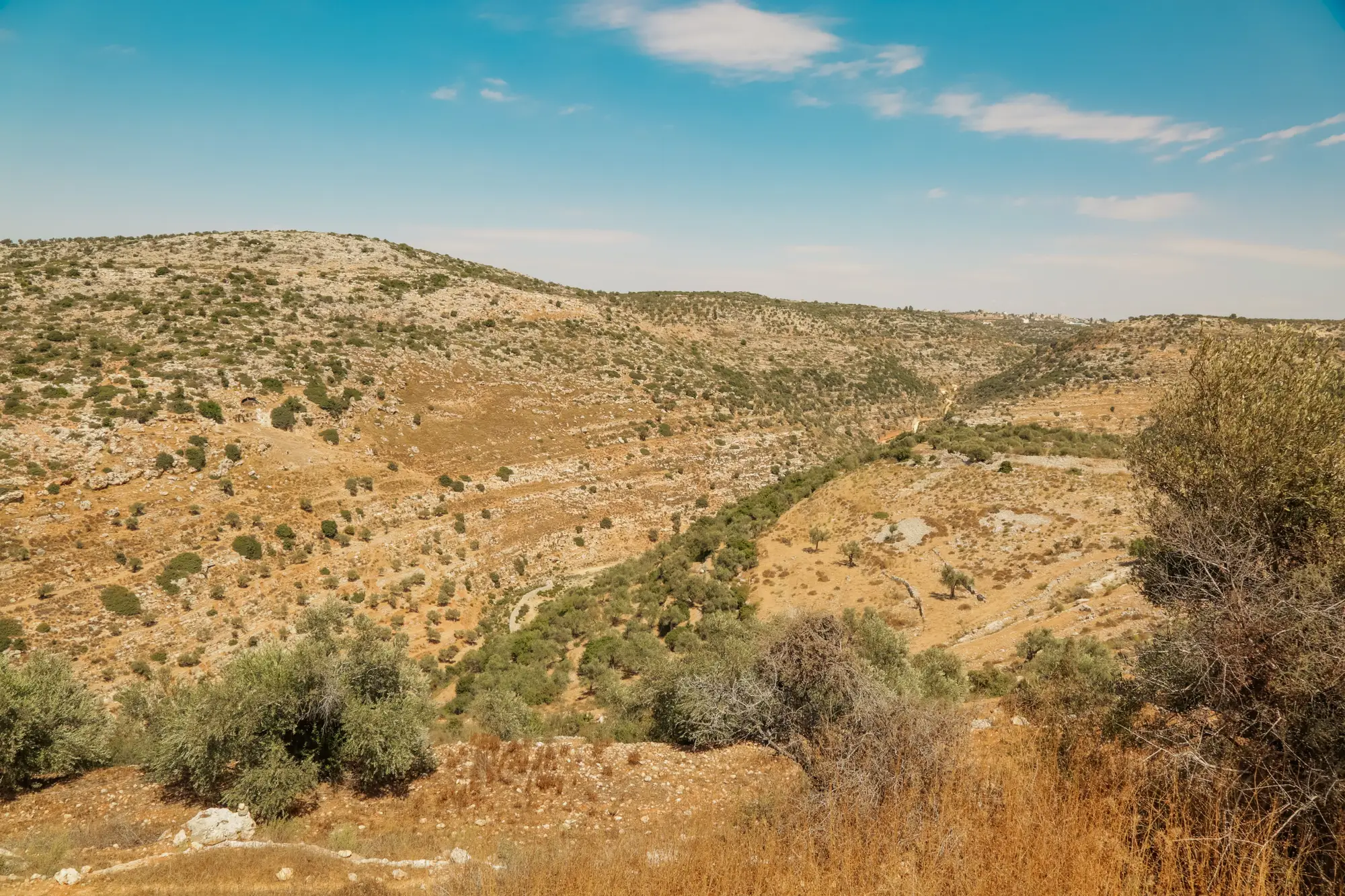
Say you need a layer for frac ponds, invasive phragmites stands, or a specific culvert type across a project area, and nothing in your usual classifier stack recognizes the class. This is a one-time training job, scoped to this project, aimed at producing a layer you can hand to the client or drop into the EIS. The labeling rules are different from a standard remote sensing workflow, and getting them wrong wastes the one shot you have.
How many examples you need
For a one-off classifier built on a few-shot workflow, you're not assembling a training set in the thousands. You're picking a handful, maybe a dozen to a few dozen, that actually represent the range of ways your target feature shows up in the imagery. That's the whole point of a few-shot approach: it doesn't need the volume a classifier trained from scratch would.
Volume isn't what makes those examples work. Variety is. If every example you pick is a clean, sunlit, textbook instance of the feature, the classifier learns to find textbook instances and misses the three-quarters of real occurrences sitting in partial shadow, at an angle, or next to something that looks almost the same. Pull examples from different parts of your AOI, different acquisition dates if you have them, different sizes of the feature, and different surrounding land cover. A stock pond ringed by trees looks different from one sitting in open pasture, even though it's the same class to you.
What makes a label usable instead of just present
A polygon drawn around the right thing isn't automatically a good label. Tightness matters: if you're loose with the boundary on half your examples and tight on the other half, you're teaching inconsistent geometry along with the feature itself. Pick one convention and hold it across every example, even if that means going back and redrawing the first few you did before you'd settled on a standard.
Write down your class definition before you label anything, not after. "Phragmites stand" sounds obvious until you hit a patch that's half phragmites and half cattail, or a stand under ten square meters that might not be worth flagging at all. Decide the edge cases in advance and note them somewhere, even if it's just a line in your project notes. You won't remember your own reasoning by label twenty if you didn't write it down at label three.
Include a few negative examples: things that look like your target class but aren't. If you're mapping a specific infrastructure type, grab an example of the thing people most often confuse it with and label it for what it is. This does more to sharpen a one-off classifier than adding five more positive examples of the easy cases.
Common mistakes that cost you the one pass you get
The biggest one is labeling only in the areas you already know well. If you scoped your training examples from the corner of the AOI nearest the office or the part of the imagery you happened to open first, the classifier learns that corner, not your feature class. Spread your picks across the full extent before you run anything.
The second is skipping seasonal or spectral variation when your imagery spans more than one capture. Vegetation classes especially shift in multispectral signature across a growing season. If your source imagery for the project includes a spring and a fall pass, your examples should too, or the fall pass will come back with gaps.
The third is treating this like a QA-free exercise because it's a one-off. Before you submit your labeled examples, have a second person on the project look at them against your written class definition. A one-off classifier doesn't get a second training round if the first one learns the wrong boundary, so the review has to happen on the labels, not the output.
This is exactly the gap Few-Shot Mapping is built around: you supply the labeled examples, it runs against your high-res imagery, and you get back a layer for a class that was never going to show up in a standard classifier catalog. If you've got a feature class like this sitting on a project right now, that workflow is worth a look.